How to do SEO for website step-by-step
If you have a website but people aren’t finding it on Google, SEO can help improve its visibility in search results.
SEO, or Search Engine Optimization, is the process of improving a website so search engines can better understand its content and users can find useful information more easily.
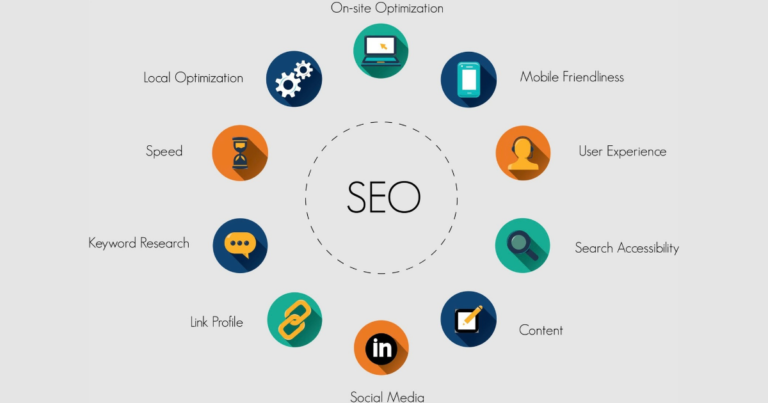
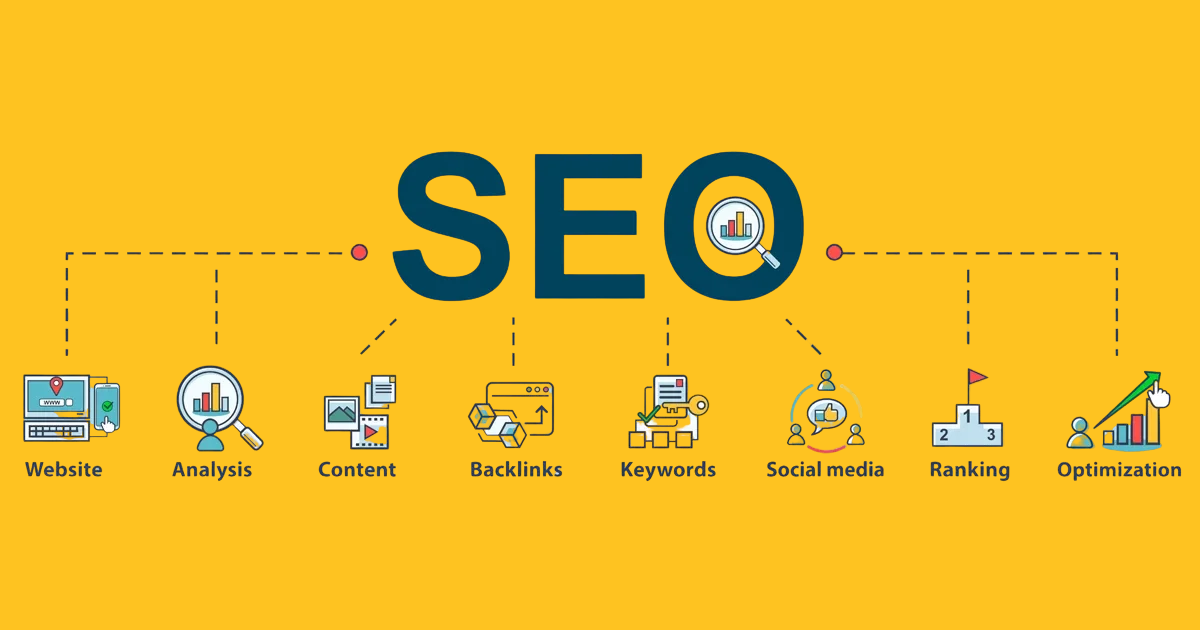
SEO isn’t a one-time task. It involves technical improvements, useful content, keyword research, website optimization, and ongoing monitoring.
If you’re wondering how to do SEO for a website step-by-step, here’s a practical process you can follow.
Step 1: Understand Your Website and Target Audience
Before changing anything, understand what your website offers and who you want to reach.
Ask yourself:
- What products or services do I provide?
- Who are my ideal customers?
- What problems are they trying to solve?
- What would they search for on Google?
- Which locations do I serve?
Having clear answers makes the rest of your SEO work much easier.
Step 2: Do Keyword Research
Keyword research helps you understand what people search for when looking for information, products, or services related to your business.
Start by creating a list of topics related to your website.
For example, a web design business might target topics such as:
- Website design services
- WordPress website development
- How to create a business website
- Website design for small businesses
Look for keywords that are relevant to your actual services and match the searcher’s intent.
Don’t try to put dozens of unrelated keywords on one page. Choose a primary topic and create useful content around it.
Step 3: Create a Clear Website Structure
A well-organized website makes it easier for visitors and search engines to navigate.
A basic structure might include:
- Home
- About
- Services
- Individual service pages
- Blog
- Contact
Organize related pages logically and make sure important pages can be reached through your website’s navigation.
Step 4: Optimize Your Page Titles
Every important page should have a clear and descriptive title.
Your title should tell users and search engines what the page is about.
For example:
Poor:
“Home | Welcome”
Better:
“Digital Marketing Services for Small Businesses”
Avoid stuffing multiple keywords into your title just for SEO.
Step 5: Write Useful Meta Descriptions
A meta description summarizes what a page is about.
It may appear below the page title in search results, although Google can sometimes choose different text from the page.
Write a natural description that explains what users can expect when they visit the page.
Step 6: Use Proper Headings
Use headings to organize your content.
Your main page topic should have a clear primary heading, followed by relevant subheadings.
For example:
H1: How to Do SEO for a Website
H2: Keyword Research
H2: On-Page SEO
H2: Technical SEO
H2: Link Building
Good headings make longer content easier to read and understand.
Step 7: Create High-Quality Content
Content is an important part of SEO, but simply publishing lots of articles isn’t enough.
Create content that genuinely answers questions your target audience is asking.
Good content should be:
- Useful
- Accurate
- Easy to understand
- Relevant to the topic
- Written for people first
Avoid creating articles only to insert keywords.
Instead, focus on solving the reader’s problem.
Step 8: Optimize Your URLs
Keep URLs simple and descriptive.
For example:
Better:example.com/seo-services
Less useful:example.com/page?id=12345
A clear URL can help users understand what a page is about.
Step 9: Add Internal Links
Internal links connect one page of your website to another.
For example, a blog article about SEO could link naturally to your SEO service page.
Internal linking can help visitors discover related information and can also help search engines understand the relationship between pages on your website.
Use descriptive anchor text rather than repeatedly using phrases such as “click here.”
Step 10: Optimize Images
Large, unoptimized images can slow down a website.
Before uploading images:
- Compress large files
- Use appropriate image formats
- Give images descriptive file names
- Add useful alt text where appropriate
- Avoid unnecessarily large image dimensions
Alt text should describe the image when the image conveys useful information. Don’t use it simply as a place to insert keywords.
Step 11: Make Your Website Mobile-Friendly
A large portion of web traffic comes from mobile devices.
Your website should work properly on phones and tablets.
Check that:
- Text is easy to read
- Buttons are easy to tap
- Navigation works properly
- Images fit the screen
- Forms are usable
- Important content isn’t hidden
A good mobile experience is important for both users and search visibility.
Step 12: Improve Website Speed and Core Web Vitals
Website performance matters because users don’t want to wait for slow pages.
Look for ways to improve:
- Page loading time
- Image sizes
- Unnecessary scripts
- Server performance
- Browser caching
- Layout stability
- Page responsiveness
Tools such as Google’s PageSpeed Insights can help identify performance problems.
Step 13: Set Up Google Search Console
Google Search Console is a useful tool for monitoring how your website performs in Google Search.
It can help you understand:
- Which searches bring visitors to your website
- Which pages receive search traffic
- Indexing issues
- Search performance
- Some technical problems
Submit your sitemap where appropriate and regularly check for important issues.
Step 14: Create and Submit an XML Sitemap
An XML sitemap provides search engines with information about the important URLs on your website.
Many content management systems, including WordPress with suitable SEO tools, can generate a sitemap automatically.
After creating your sitemap, make sure it is accessible and submit it through Google Search Console when appropriate.
Step 15: Check for Technical SEO Problems
Technical SEO helps search engines access and understand your website.
Check for issues such as:
- Broken links
- Incorrect redirects
- Pages that shouldn’t be indexed
- Duplicate or conflicting URLs
- Missing important pages
- Crawl problems
- HTTPS issues
- Poor mobile usability
Technical SEO can become more complicated as a website grows, so regular checks are useful.
Step 16: Work on Local SEO if You Serve a Local Area
If you operate a local business, local SEO can be especially important.
Make sure your business information is accurate across your website and relevant online profiles.
You can also create useful location-related content when it genuinely helps customers.
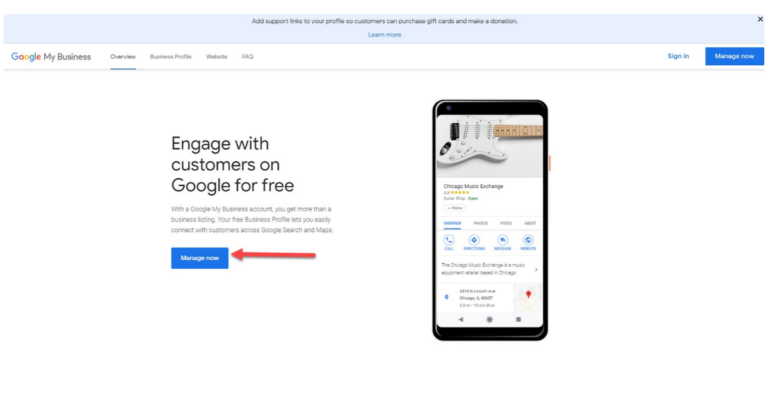
For businesses with physical locations, maintaining an accurate Google Business Profile can also be an important part of a local SEO strategy.
Step 17: Build Relevant Backlinks
A backlink is a link from another website to your website.
Links from relevant, trustworthy websites can help establish your site’s authority and visibility.
Instead of trying to get hundreds of random links, focus on earning relevant links through:
- Useful content
- Industry resources
- Business partnerships
- Digital PR
- Local organizations
- Original research or useful guides
Avoid spammy link-building schemes and paid links intended to manipulate search rankings.
Step 18: Update Existing Content
SEO isn’t only about publishing new articles.
Review your existing pages regularly and update information when necessary.
You might:
- Correct outdated information
- Add missing details
- Improve examples
- Update statistics
- Remove unnecessary sections
- Improve internal links
- Make the content easier to read
An older article can sometimes become more useful simply by being properly updated.
Step 19: Monitor Your SEO Results
SEO needs measurement.
Use tools such as Google Search Console and website analytics to monitor changes in:
- Organic traffic
- Search queries
- Clicks
- Impressions
- Search visibility
- Important landing pages
- Conversions
Don’t judge SEO based on one keyword alone. Look at the overall performance of your website.
Step 20: Keep Improving
Search engines, websites, competitors, and customer behavior can all change.
That’s why SEO should be treated as an ongoing process.
A simple monthly SEO routine might include:
- Check Search Console.
- Look for technical problems.
- Review important pages.
- Update outdated content.
- Publish useful new content.
- Check internal links.
- Review backlinks and mentions.
- Monitor organic traffic and conversions.
Common SEO Mistakes to Avoid
When learning how to do SEO, it’s just as important to know what not to do.
Avoid:
- Keyword stuffing
- Copying content from other websites
- Creating low-quality pages just for search traffic
- Buying spammy backlinks
- Creating fake reviews
- Hiding keywords on pages
- Publishing automatically generated content without checking its quality
- Creating multiple pages with nearly identical content
- Expecting immediate results
SEO is generally a long-term process. There is no guaranteed formula for reaching the first position on Google.
How Long Does SEO Take?
There isn’t one fixed timeline for SEO.
Results can depend on factors such as:
- Website age and condition
- Competition
- Industry
- Content quality
- Technical issues
- Search demand
- Existing authority
- Links and mentions
- How consistently SEO work is performed
Some improvements may be noticed relatively quickly, while meaningful growth in organic visibility can take considerably longer.
Be careful with anyone promising guaranteed first-page rankings within a specific number of days.
Final Thoughts
Learning how to do SEO for a website step-by-step can seem complicated at first, but the basic process is straightforward.
Start with your audience and keyword research. Build a clear website structure, create useful content, optimize your pages, improve technical performance, make the site mobile-friendly, and monitor your results.
For local businesses, add local SEO and maintain accurate business information.
Most importantly, focus on creating a website that genuinely helps visitors. When your content is useful, your website is technically accessible, and your information is well organized, you have a much stronger foundation for long-term search visibility.